
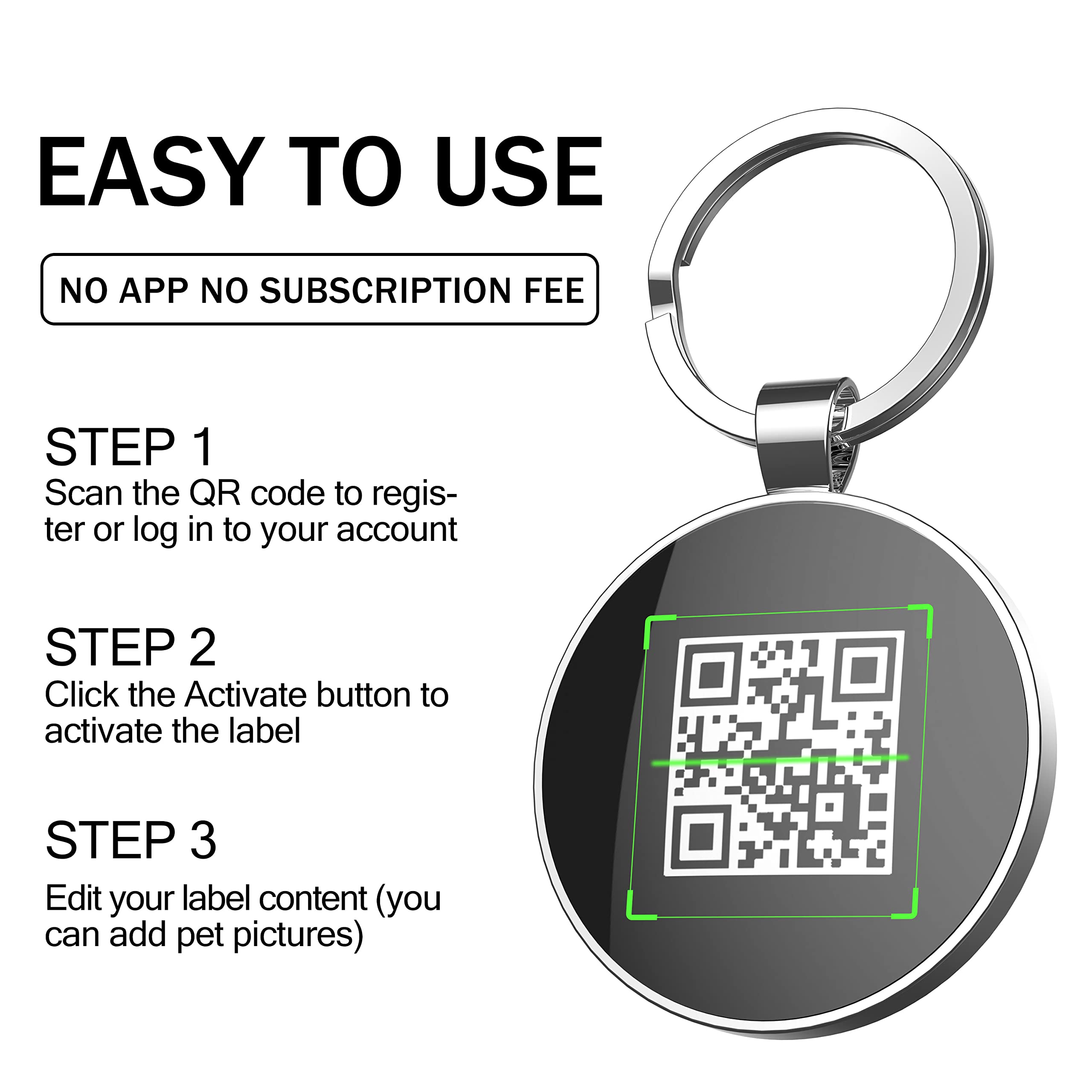
A Simple Step-by-Step Guide for Pet Parents
Setting up your QR code pet ID tag is one of the easiest ways to protect your pet and give yourself peace of mind. In just a few minutes, you can create a digital profile that helps anyone who finds your pet contact you instantly — no app required.
Whether you are using a QR tag for the first time or moving from a regular engraved tag, this guide will help you.
🐾 Why Setting Up Your QR Pet ID Tag Matters
A QR pet ID tag only works if your information is accurate and easy to access. Proper setup ensures:
- ✔ Fast contact if your pet is ever lost
- ✔ Up-to-date phone numbers and emergency contacts
- ✔ Clear instructions for finders
- ✔ Reliable peace of mind
Think of it as creating a digital safety net for your pet.
🧰 What You’ll Need Before You Start
- Your DISONTAG QR Pet ID Tag
- A smartphone or computer with internet access
- Your contact information
- Optional: 3 pet photos, emergency contact, special notes
Setup usually takes less than 3 minutes.

🔍 Step-by-Step: How to Set Your QR Code Pet ID Tag
✅ Step 1: Scan the QR Code
Use your phone’s camera to scan the QR code printed on your tag. Tap the link that appears on your screen.
The system will take you to the activation or profile setup page.
✅ Step 2: Create Your Pet Profile
Enter basic information such as:
- Pet name
- Your phone number or preferred contact method
- Optional backup contact
- Pet photo (helps identification)
Only include information you’re comfortable sharing publicly.

✅ Step 3: Save and Confirm Your Information
Double-check your details for accuracy. Make sure phone numbers are correct and formatted properly.
Save your profile.
✅ Step 4: Test the QR Code
Scan the tag again using another phone, if you can. This will help confirm that everything loads correctly and your contact info appears correctly.
This ensures a finder can reach you easily.

✅ Step 5: Attach the Tag Securely
Attach the tag to your pet’s collar using a secure ring or attachment provided. Make sure it sits flat and doesn’t interfere with your pet’s comfort.
🔄 How to Update Your QR Tag Anytime
One of the biggest advantages of QR pet ID tags is flexibility. If your phone number changes, you move, or want to update instructions, just log in to your profile. Then, edit your information.
No replacement tags required.

🛡️ Safety & Privacy Tips
- Share only necessary contact details
- Avoid posting home addresses publicly
- Use a secondary contact if preferred
- Periodically check your profile for accuracy
Your privacy matters — you control what’s visible.
🐶 Why Pet Parents Choose DISONTAG QR Pet ID Tags
DISONTAG makes setup fast and stress-free:
- 📱 Scan with any phone — no app needed
- ✏️ Update info anytime
- 🔕 Silent, lightweight design
- 💧 Waterproof and durable
- ❤️ Built for everyday pet comfort
Whether you’re at home or traveling, your pet always carries a smart safety connection.
✅ Final Thoughts
Taking a few minutes to set up your QR pet ID tag today can save hours of stress later. A simple step provides lasting protection for your furry family member.
Smart setup leads to faster reunions and greater peace of mind.
👉 Ready to set yours up?
Attach your DISONTAG QR Pet ID Tag today and enjoy modern pet safety made simple.
